
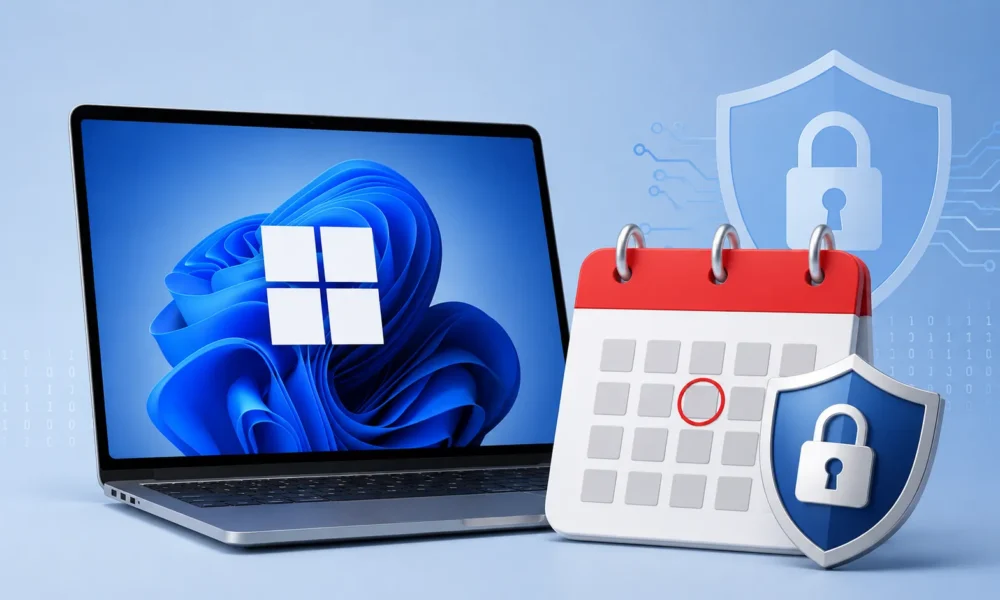
Microsoft has issued a 60-day reminder that Windows 11 version 24H2 Home and Pro editions will reach the end of servicing on October 13, 2026.
The deadline is significant for both individual users and organizations because systems that remain on the affected editions after support ends will no longer receive regular security updates, non-security preview releases, or quality improvements.
The same October 13 deadline also applies to Windows 10 Enterprise LTSB 2016, requiring organizations operating legacy systems to accelerate upgrade planning.
After Windows 11 24H2 Home and Pro reach the end of servicing, affected computers will continue to function, but their security posture will gradually deteriorate as newly discovered vulnerabilities and attack techniques emerge.
Microsoft Warns Windows 11 24H2 Users
Without monthly security patches, vulnerabilities identified after the servicing deadline could remain unaddressed on unsupported systems.
This creates an increasing opportunity for threat actors conducting malware, ransomware, credential theft, and vulnerability exploitation campaigns against outdated Windows endpoints.
Microsoft recommends that users running Windows 11 24H2 Home and Pro upgrade to Windows 11 version 25H2, also known as the Windows 11 2025 Update.
Moving to a supported release allows compatible devices to continue receiving monthly security patches and reliability improvements through Windows Update.
Users should begin checking their systems now rather than waiting until the final weeks before support expires, particularly where upgrades may require additional storage, application testing, or hardware validation.
The deadline is especially relevant for unmanaged endpoints. Personal computers, small-business devices, remote laptops, and systems that connect to corporate networks only occasionally can remain on outdated Windows builds for extended periods.
Users may ignore upgrade notifications, postpone feature updates, or encounter storage and compatibility problems that prevent automatic installation.
Such devices can become security blind spots if they are not included in centralized endpoint-management and vulnerability-monitoring systems.
Organizations should begin by conducting comprehensive asset discovery to identify every endpoint running Windows 11 version 24H2.
IT and security teams should confirm the installed edition, current build, hardware compatibility, available storage, application dependencies, endpoint-security software, and organizational update policies.
Asset inventories should also identify systems that cannot be upgraded immediately so that security teams can apply additional controls and document temporary exceptions.
A phased migration strategy can reduce operational disruption. Enterprises should first test Windows 11 25H2 with business-critical applications, endpoint detection and response agents, VPN clients, identity-management tools, productivity software, and specialized applications.
Pilot deployments should include representative devices from multiple departments before the upgrade is expanded through broader deployment rings. Organizations should also establish rollback and recovery procedures before beginning large-scale migration.
Windows 11 24H2 Enterprise and Education editions follow a different servicing lifecycle and remain supported until October 12, 2027.
This provides managed enterprise environments with additional time for testing and migration. However, organizations operating mixed fleets should not assume that the extended lifecycle applies to Home and Pro devices. Every endpoint should be assessed according to its specific Windows edition and servicing policy.
The October 13, 2026 deadline also affects Windows 10 Enterprise LTSB 2016, which remains present in fixed-purpose and operationally sensitive environments.
These systems can include industrial workstations, medical equipment, point-of-sale terminals, kiosks, and other specialized devices where operating-system stability is a major requirement.
Once support ends, these installations will no longer receive standard monthly security updates and non-security preview releases.
Microsoft recommends migrating Windows 10 Enterprise LTSB 2016 systems toward Windows 11 Enterprise LTSC 2024 where hardware and application requirements permit.
Organizations unable to complete migration before the deadline may consider Extended Security Updates as a temporary risk-reduction measure.
ESU should not be treated as a permanent substitute for modernization because unsupported or aging platforms can continue to accumulate operational and security risks.
Security teams should therefore prioritize affected systems, test upgrade paths, document exceptions, and monitor unsupported endpoints closely.
Completing Windows 11 24H2 Home and Pro upgrades before October 13, 2026 will help organizations reduce exposure to unpatched vulnerabilities and maintain a stronger security baseline across their Windows environments.






No Comment! Be the first one.