
Microsoft Releases Emergency Windows 11 Update to Fix Intel IPF Performance Issues

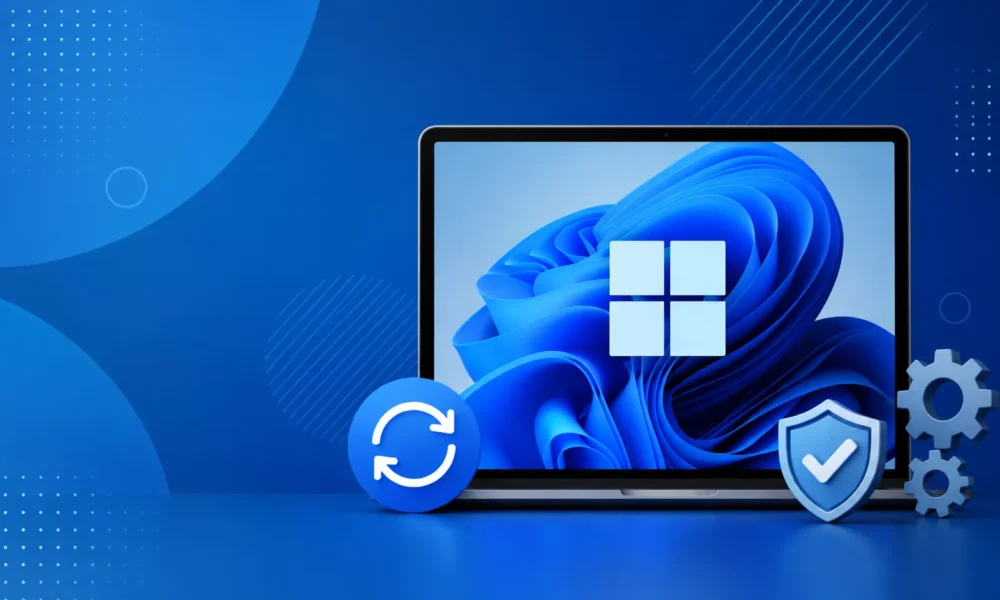
Microsoft has released an out-of-band (OOB) emergency update, KB5121767, to address a critical performance regression affecting a limited number of Windows 11 devices running the Intel Innovation Platform Framework (Intel IPF) driver.
The update targets Windows 11 version 25H2 (OS Build 26200.8894) and Windows 11 version 24H2 (OS Build 26100.8894), resolving issues that surfaced after the installation of recent cumulative Windows updates.
The fix is aimed at restoring normal system performance, improving power efficiency, and eliminating unexpected behavior observed on affected hardware.
Microsoft Releases Emergency Windows 11 Update
The issue primarily impacted systems equipped with Intel IPF drivers, which are responsible for managing system power, thermal performance, and workload optimization.
Following the deployment of recent cumulative updates, some users experienced abnormal CPU throttling, inconsistent performance, increased power consumption, and erratic system behavior.
Although the issue was limited to a subset of devices, its impact was significant enough for Microsoft to take immediate action through an emergency update instead of waiting for the next scheduled Patch Tuesday release.
Among the affected systems, Dell devices represented a notable portion of impacted hardware. To prevent the issue from affecting additional users, Microsoft temporarily applied a compatibility safeguard that blocked these devices from receiving the July 2026 security update, KB5101650.
With the release of KB5121767, Microsoft has removed this safeguard, allowing previously blocked Dell systems to resume receiving Windows updates while incorporating the necessary performance fix.
The company emphasized that this update is specifically designed for systems experiencing the Intel IPF-related regression and is not required for devices operating normally.
As a cumulative out-of-band release, KB5121767 includes all previously released security and quality improvements in addition to the Intel IPF performance correction.
The update also bundles Servicing Stack Update (SSU) KB5120102 (Build 26100.8872), enhancing the reliability of the Windows Update infrastructure and reducing the likelihood of installation failures.
Integrating servicing stack updates with cumulative releases has become Microsoft’s preferred deployment strategy, simplifying update management for both enterprise administrators and individual users.
In addition to resolving the Intel IPF issue, Microsoft has refreshed several AI-powered Windows components to version 1.2605.856.0. These updates include improvements to Image Search, Content Extraction, Semantic Analysis, and the Settings Model, further enhancing Windows 11’s AI capabilities.
Although these AI enhancements are unrelated to the Intel IPF performance issue, they are included as part of the cumulative package, ensuring systems remain fully updated with the latest platform improvements.
Microsoft is distributing KB5121767 through multiple update channels. Devices configured with the “Get the latest updates as soon as they’re available” option enabled in Windows Update will receive the patch automatically.
Users who have disabled this setting can manually install the update by navigating to Settings > Windows Update and selecting Download & Install.
Since the release is currently classified as an optional update, it is also available under Settings > Windows Update > Advanced options > Optional updates.
For enterprise environments, the update is available through the Microsoft Update Catalog, Windows Server Update Services (WSUS), and the standard Windows Business release channels, enabling IT administrators to validate and deploy the update across managed environments using established rollout procedures.
Organizations managing fleets of Dell systems or other hardware utilizing Intel IPF drivers are encouraged to prioritize testing and deployment to prevent continued performance degradation.
Microsoft’s rapid response highlights the operational importance of addressing hardware-specific regressions before they become widespread.
Home users experiencing excessive battery drain, thermal throttling, sluggish performance, or unusual system behavior after installing the July 2026 security update should check Windows Update and install KB5121767 if their devices are affected.
For enterprises, timely deployment of this emergency update will help restore system stability, maintain productivity, and ensure continued reliability across Windows 11 deployments.




No Comment! Be the first one.