
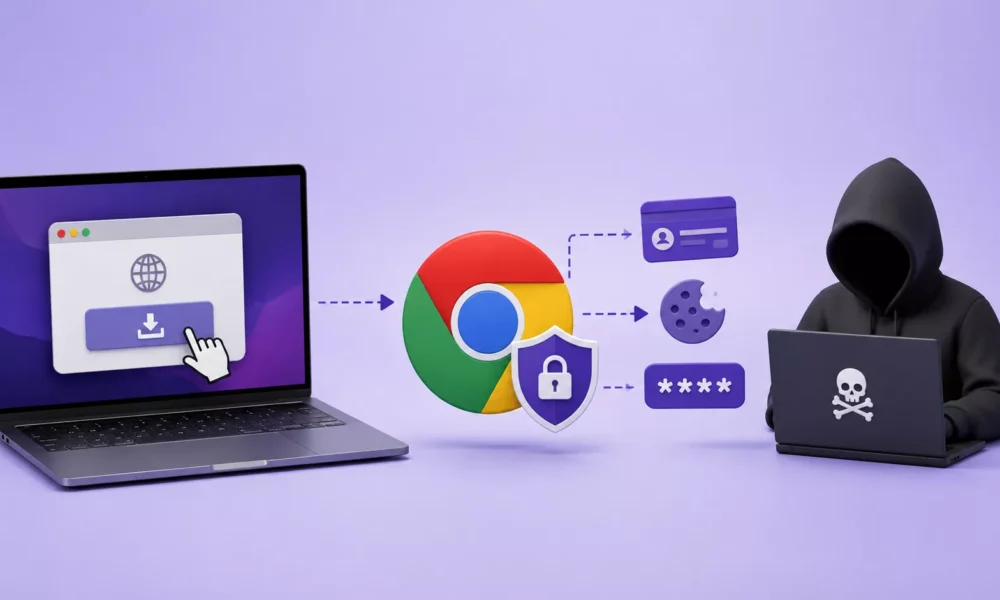
A newly identified macOS infostealer named AmnesiaStealer is leveraging a polished ClickFix campaign to convince users to run malicious Terminal commands. The malware targets passwords, browser data, cryptocurrency-related information, and authenticated Chromium browser sessions, potentially allowing operators to control victims’ logged-in accounts remotely.
Jamf Threat Labs uncovered the campaign while investigating a fraudulent GitHub-themed download portal hosted at github.aoitour[.]com. The site closely mimics GitHub’s dark-mode interface, Octocat branding, download workflow, and “Verified Publisher” indicator, making the lure appear credible to users looking for software.
Instead of offering a standard application package, the counterfeit page presents a “Terminal installation” method. Victims are instructed to copy a command, open macOS Terminal, paste it, press Return, and authenticate with their system password.
AmnesiaStealer macOS Malware Uses ClickFix
This social-engineering technique is commonly called ClickFix. Rather than exploiting a vulnerability to execute code, it persuades the target to launch the malicious command themselves. That user-driven execution can reduce the effectiveness of conventional security prompts because macOS sees the action as initiated by the logged-in user.

ClickFix campaigns have increasingly appeared in macOS malware operations. Similar lures have previously delivered Atomic Stealer, also known as AMOS, and MacSync. AmnesiaStealer shows how threat actors can retain an effective phishing template while replacing the delivery infrastructure, payload, and monetization strategy.
Once executed, the copied command triggers a hidden shell script that downloads a password-protected ZIP archive. The script extracts a disguised executable into the /tmp directory, removes the Apple quarantine attribute, launches the payload, and deletes installation artifacts to obscure the initial compromise path.
Password-protected archives can complicate inspection by security products because the contents are not immediately available for static analysis. The payload is a Rust-based infostealer that profiles the compromised Mac before attempting to collect sensitive data.
AmnesiaStealer displays a spoofed, native-looking macOS “Installer” password dialog to capture the user’s login password. It then attempts to use that credential to access the macOS Keychain, Apple Notes, Telegram session data, Chromium-based browser profiles, and locally stored files.
Researchers linked the malware to an attacker-controlled backend dubbed the “Amnesia Panel,” which gives the malware its name.
The stealer’s embedded configuration reportedly uses the decryption key 4mn3s1a_2o26!xK, revealing a modular design in which operators can selectively deploy additional capabilities after evaluating an infected host.

The most significant capability is a third-stage component called stream_module. Delivered only when requested by the attacker’s backend, the module copies the victim’s browser profile, starts the cloned browser in headless mode, and communicates through the Chrome DevTools Protocol.
This enables more than conventional cookie theft. Operators may receive a live screencast and remotely control mouse input, keyboard activity, and browser navigation within the cloned environment.
As a result, attackers could potentially act through already authenticated sessions for email, cloud administration portals, banking services, social networks, and enterprise SaaS applications.
Because the cloned browser instance runs headlessly, much of this activity may occur without an obvious on-screen signal to the victim.
While some privacy-bypass routines reportedly rely on older techniques that fail on fully patched macOS systems, Jamf researchers assess the credential-stealing and browser-session abuse functions as a meaningful risk.
Users should never paste Terminal commands from download pages, pop-ups, advertisements, or unsolicited support instructions. Legitimate software should be obtained from trusted vendor sources, official repositories, or the Mac App Store where applicable.
Organizations should keep macOS and browsers updated, deploy endpoint protection with behavioral detection, monitor for unexpected browser automation and DevTools activity, and investigate unusual archive downloads or scripts that remove quarantine attributes.
Employees should also treat unexpected macOS password prompts especially those appearing during a browser-based installation as possible credential-phishing attempts.





No Comment! Be the first one.